Preview
Image gallery
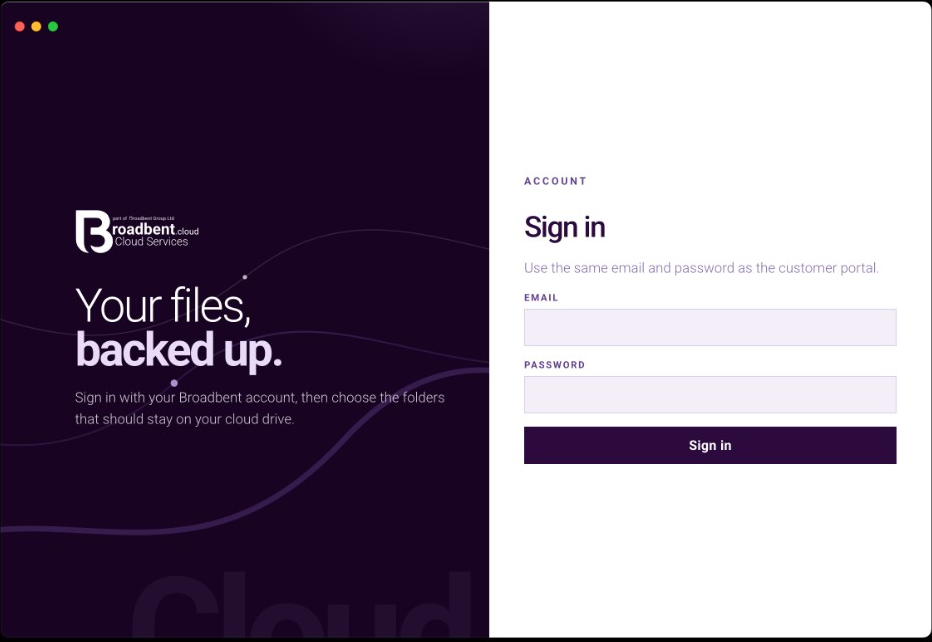
Click an image to enlarge
Drives
Your drives in the desktop app
Sign in and every Broadbent Cloud drive on the account is listed, including the free 1 GB plan. Back up selected folders, see the quota, and open the same files in the browser — on Windows, macOS and Linux.
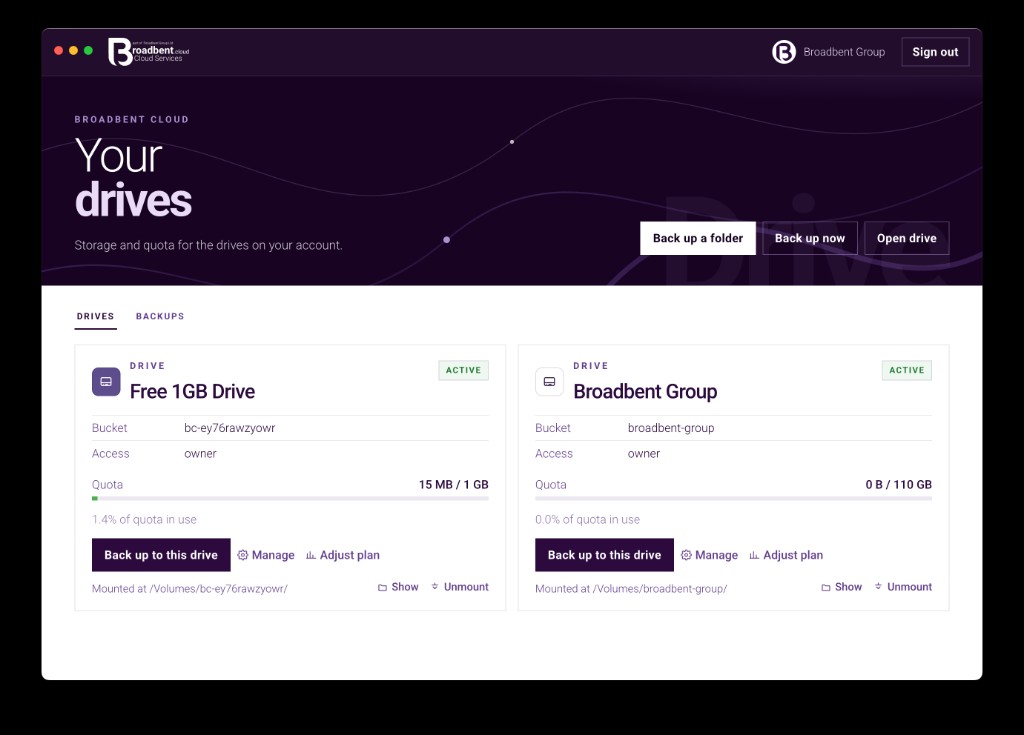
Desktop
Desktop app key elements
Sign-in, folders, quota and the menu bar — the parts of the app you use every day.
01
Back up a folder
Choose a folder on this computer and the drive folder it should keep. The app copies what changed and leaves the rest.
02
Same account
Sign in with the same email and password as the customer portal. Every drive on that account is listed, with the access you already have.
03
Quota on each drive
See how much of the drive is in use before a backup starts, and open the plan when you need more space.
04
Stays running
Closing the window leaves Broadbent Cloud in the menu bar or system tray. Quit is on that menu.
Plans
Choose a drive and get started
Free 1 GB, or a paid Personal or Team drive. The desktop app is included with the drive.
Contact
Speak to the team
Call our Colchester sales team, or send a message anytime.
UK sales team · 8:00am–8:00pm