Broadbent Cloud
Broadbent Drivein the browser
The web file manager for your drives. Sign in with the same Broadbent Group account as the website, portal and desktop app, then browse, upload and share.
Overview
Your drives, in the browser
Drive is where you look at the files. The desktop app is where this computer keeps folders backed up onto those drives.
01
Sign in
Use the same Broadbent Group email and password as the website, or Google, Facebook or Microsoft. Your drives are listed as soon as you are in.
02
Browse the drive
Open folders, preview what is stored, and move around the files that backups and uploads have put there.
03
Upload and share
Add files from the browser and create a share link when someone else needs a file without an account.
04
Team folders
Team members land in the folder they were granted. Write access includes a web Drive login for that folder.
Sign in
The same Broadbent Group account
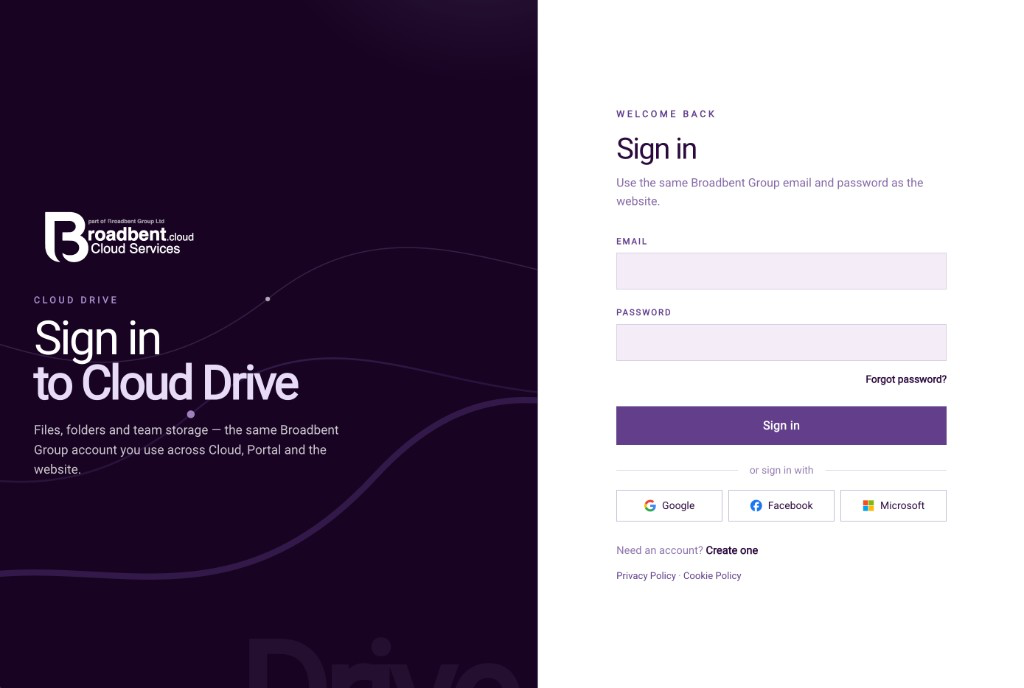
Sign in to Cloud DriveUse the website email and password, or Google, Facebook or Microsoft. Forgot password and create account are on this screen. 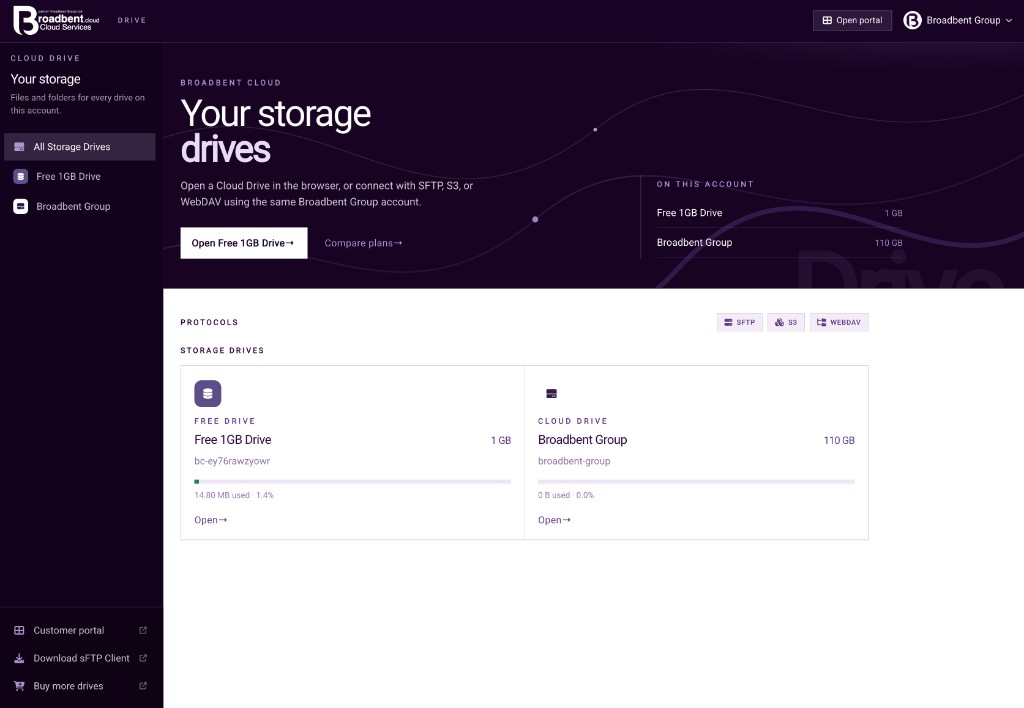
Every drive on the accountOpen a drive in the browser, or connect with SFTP, S3 or WebDAV using the same account.
Files
Browse the drive, then work with the files
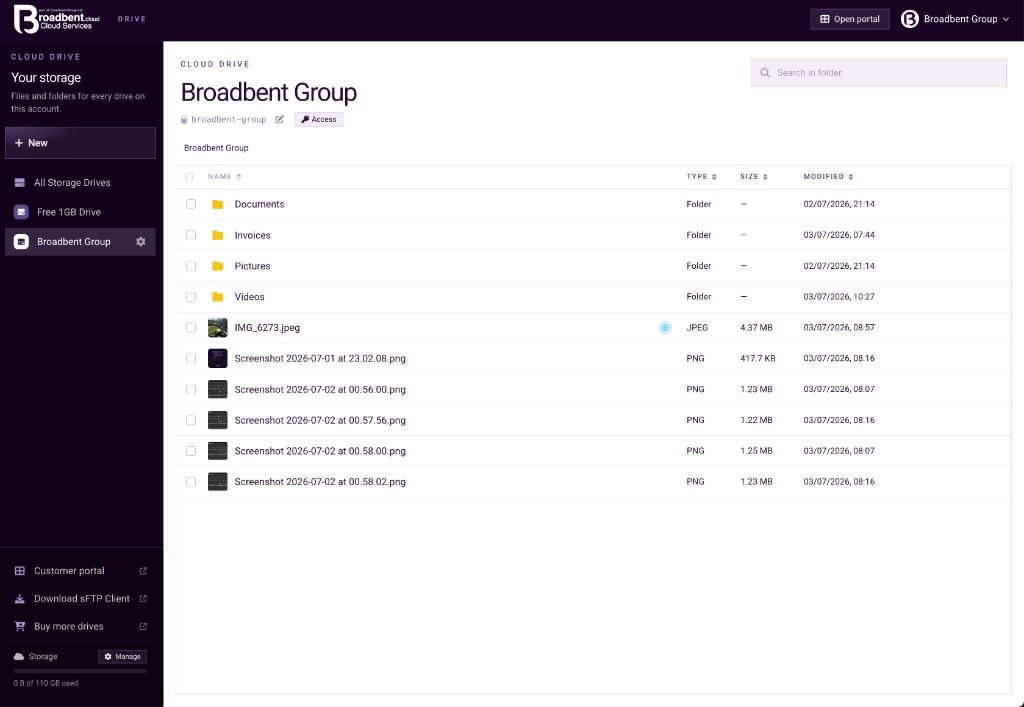
Folders and filesSearch in the folder you are in. New adds a file or folder. The path shows where you are. 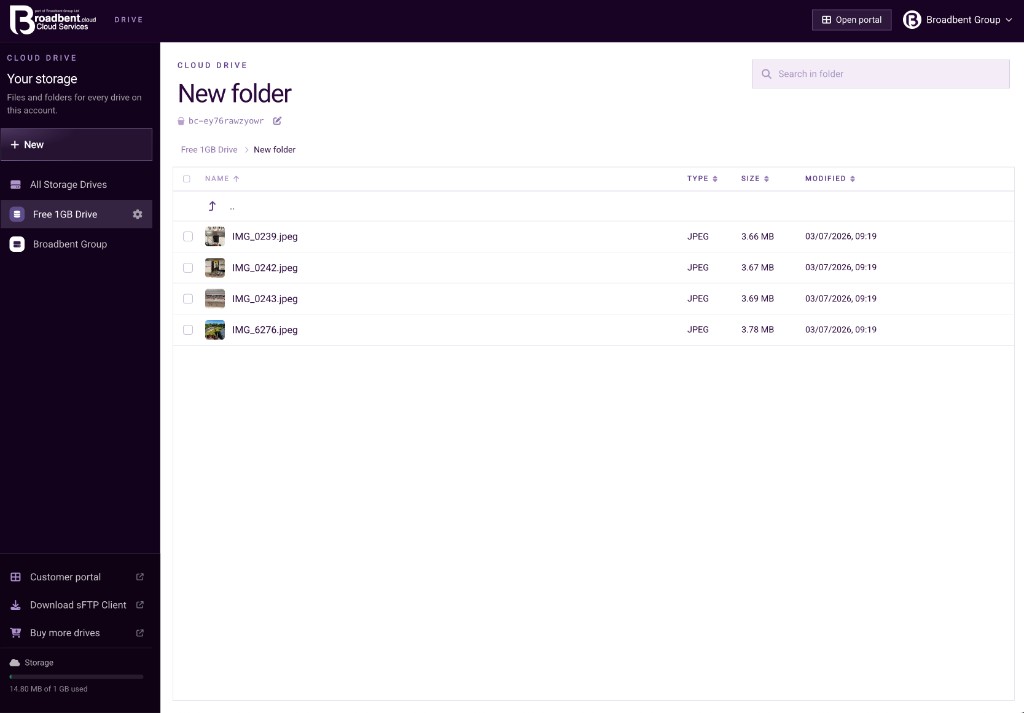
Inside a folderName, type, size and modified date. Open a folder, or go back up the path. 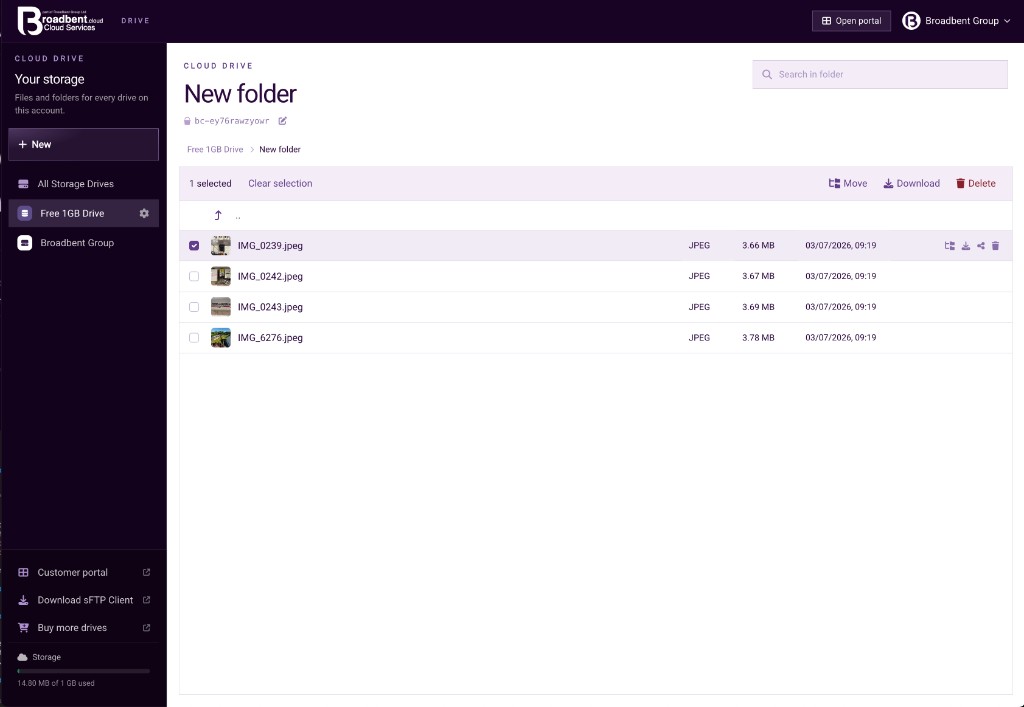
Select a fileMove, download or delete the selection. Clear selection puts the list back. 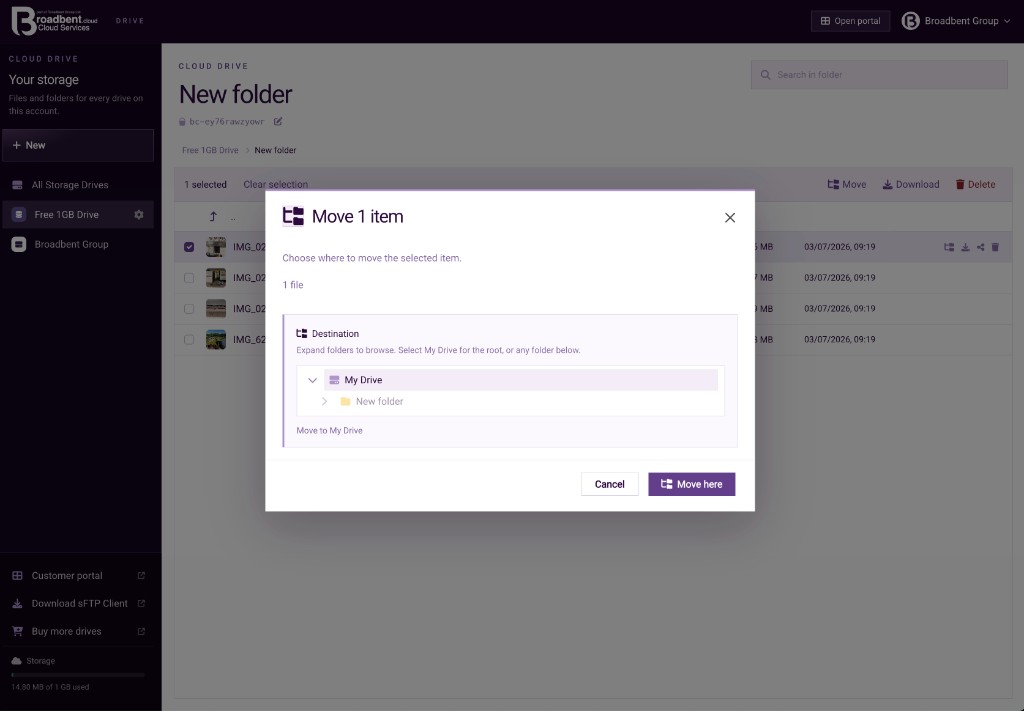
MovePick the drive root or a folder underneath, then move the file there. 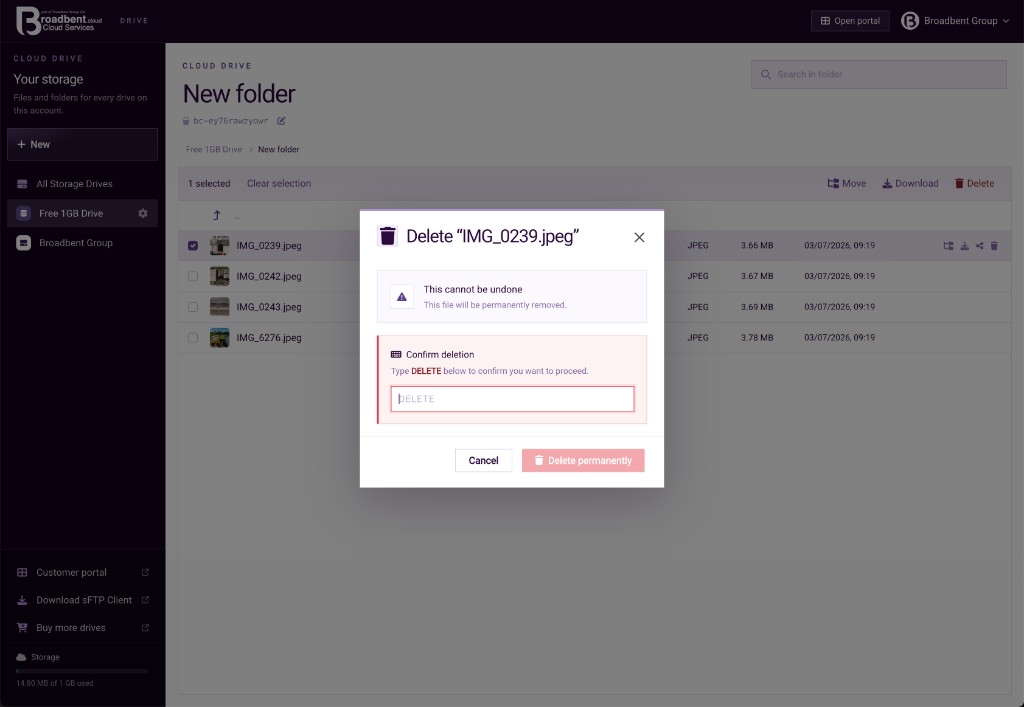
DeleteType DELETE to confirm. The file is removed and cannot be undone.
Share
A link for someone without an account
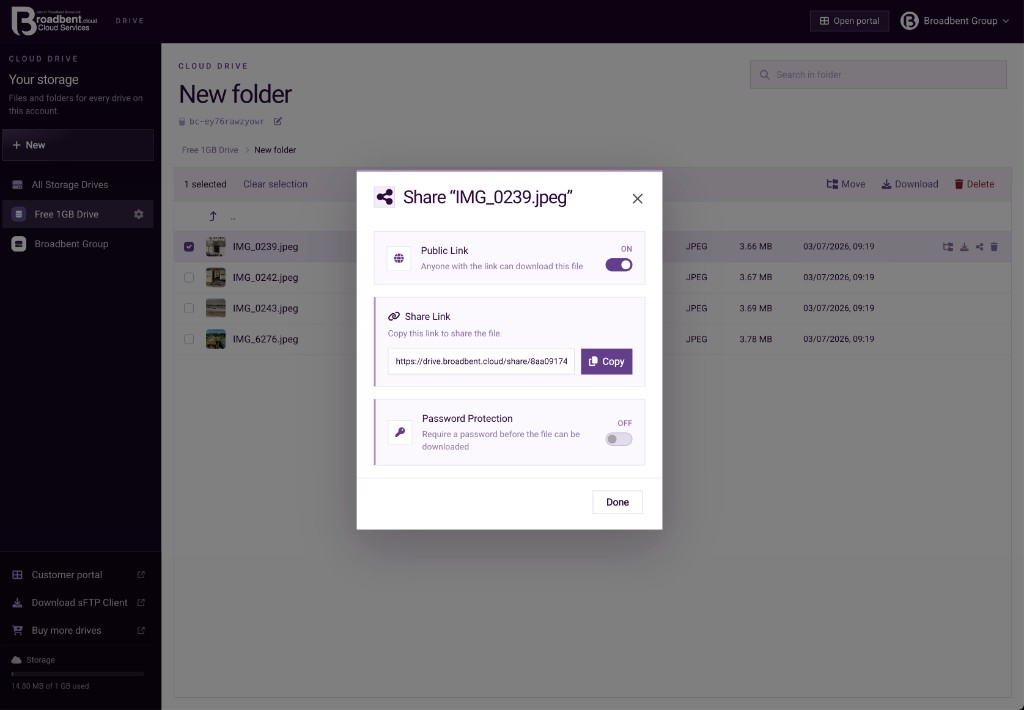
Public linkTurn Public Link on and copy the address. Anyone with the link can download the file. 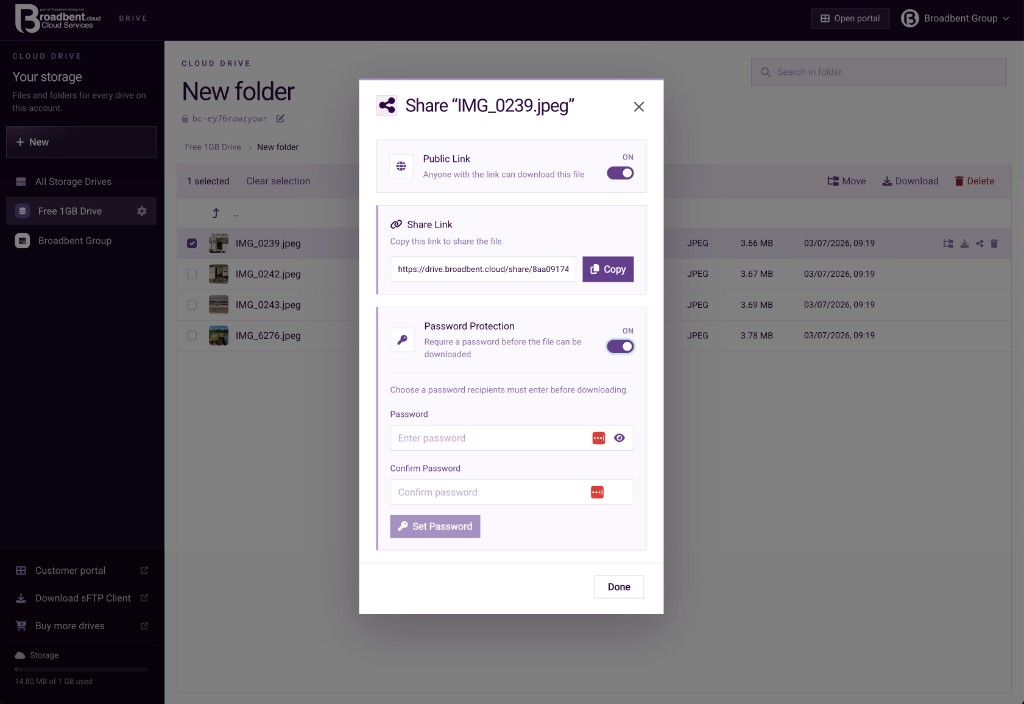
Password on the linkRequire a password before the file can be downloaded. Set it, confirm it, then save.
Settings
Name, appearance, quota and how you connect
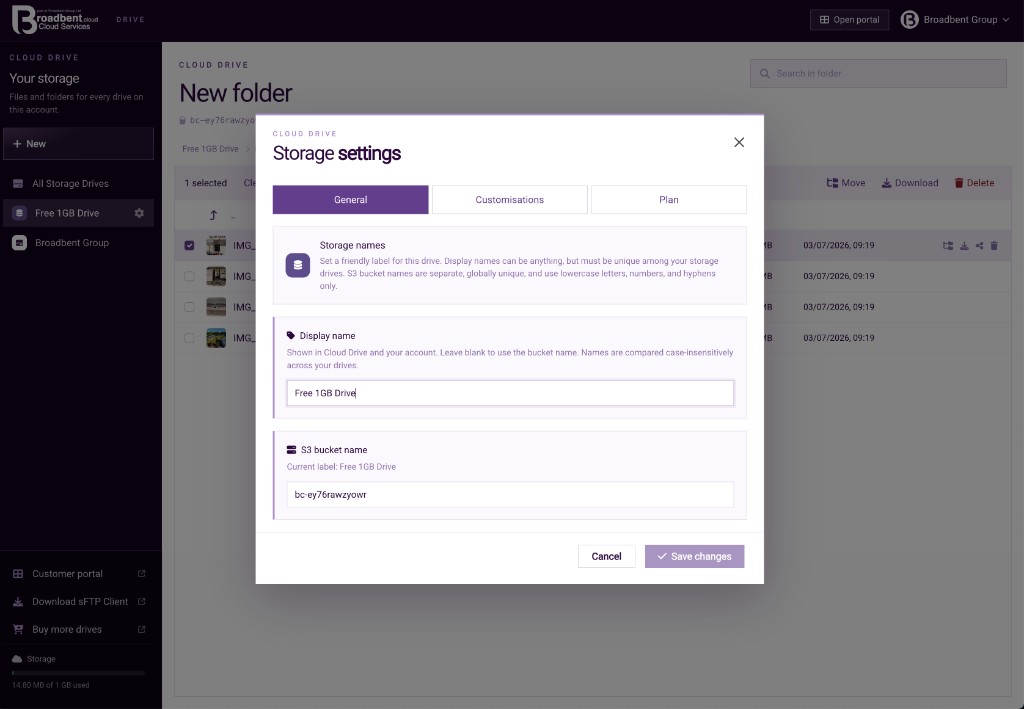
Display name and bucketThe display name is what you see in Cloud Drive. The bucket name is the S3 name. 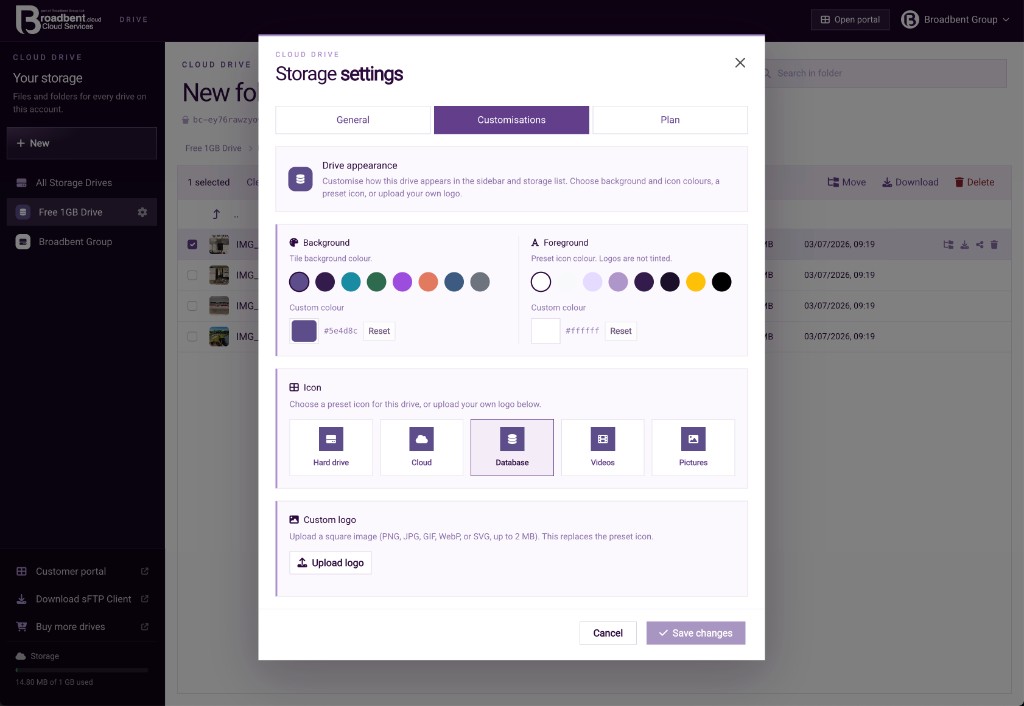
How the drive looksBackground, icon colour, a preset icon, or your own logo in the sidebar and the drive list. 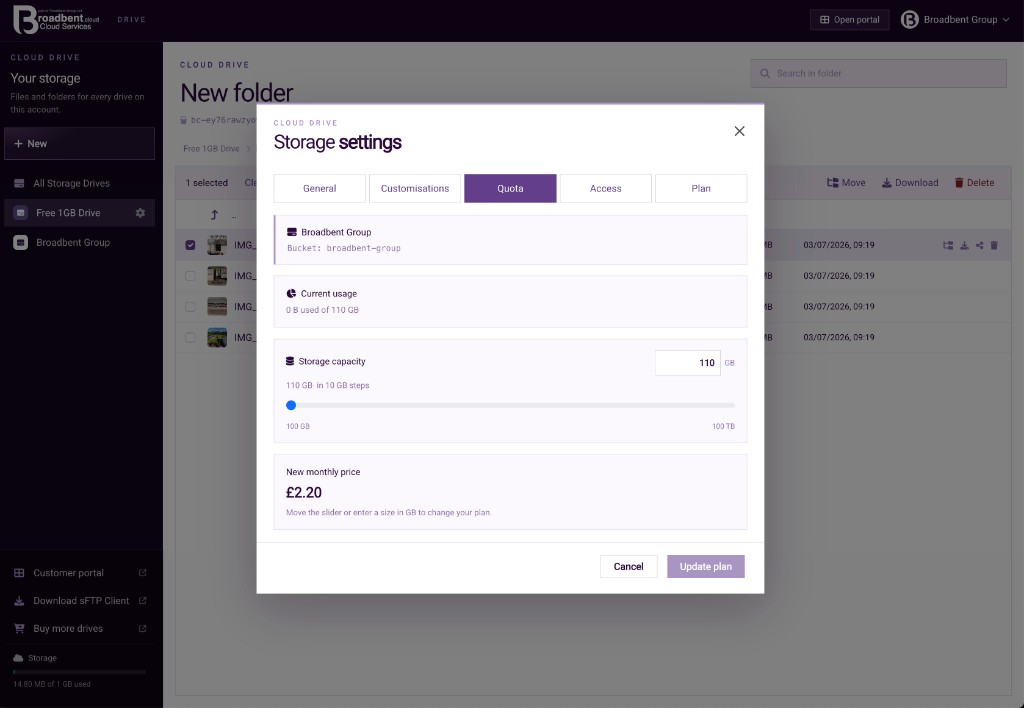
Change the sizeMove capacity in 10 GB steps. The new monthly price is shown before you update the plan. 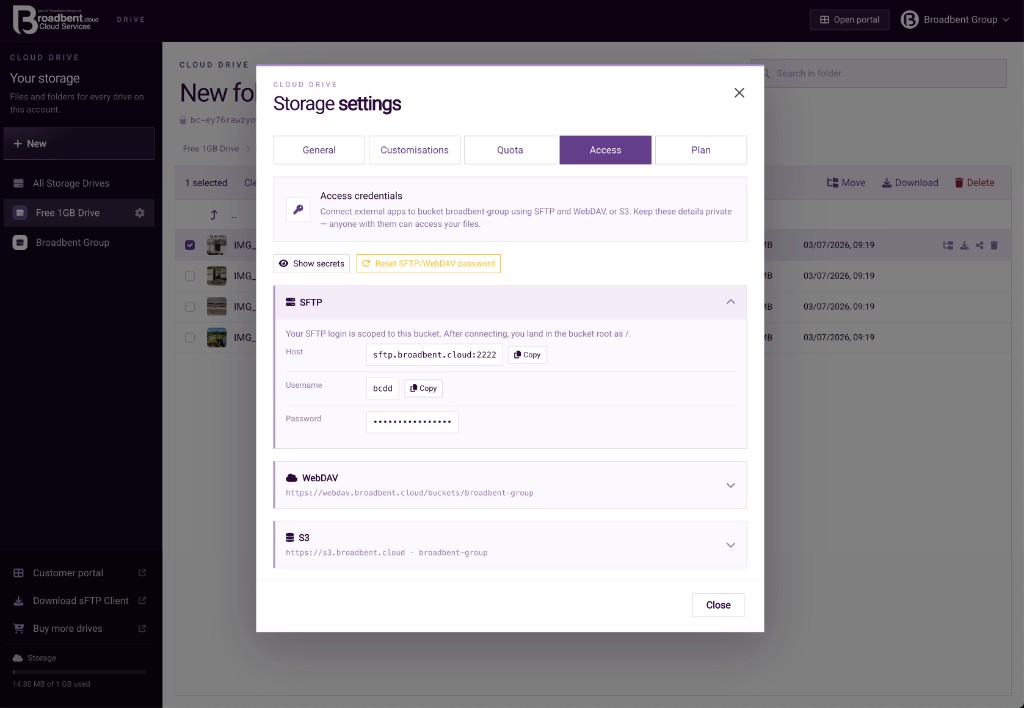
SFTP, WebDAV and S3Connection details for this drive. Reset the SFTP and WebDAV password when you mean to replace it. 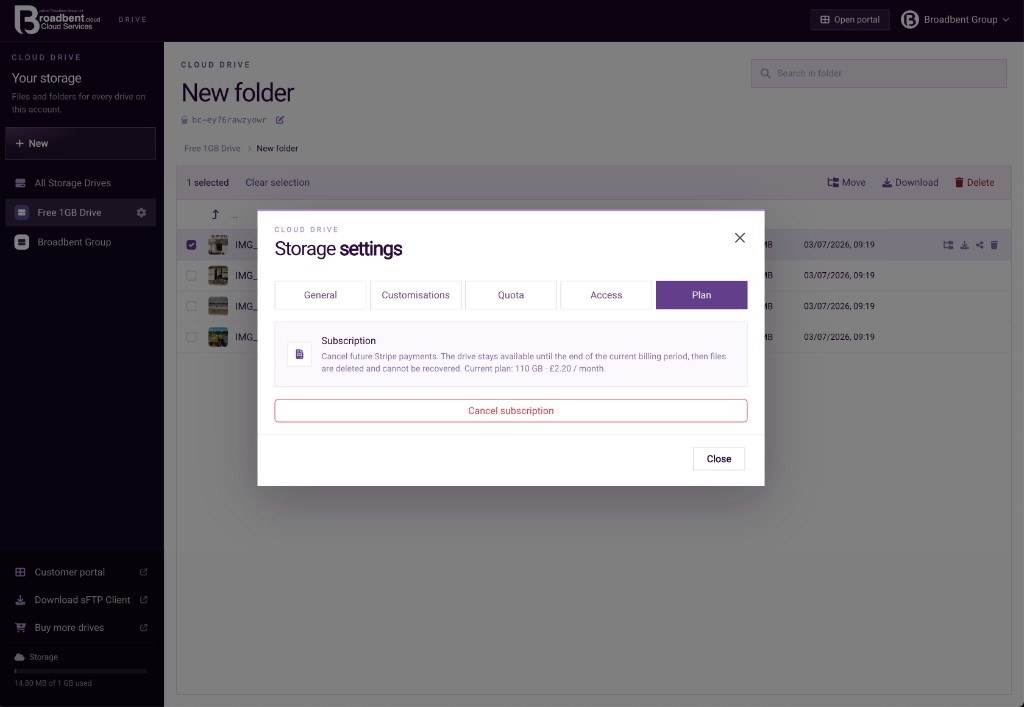
The planCancel future payments from here. The drive stays until the end of the billing period, then the files are deleted.
Features
What you can do in Drive
01
File manager
Browse the drive in the browser. Folders, files and the path you are in stay in one place.02
Upload
Send files and folders from this computer. The drive quota is checked before the upload is accepted.03
Share links
Share a file with a link when the other person does not need a Broadbent account.04
Team access
Invite people onto a Team Drive, give each person a folder or the whole drive, and choose read or write. Write members also get SFTP and WebDAV jailed to that folder.05
Same files as the desktop app
Folders backed up by Broadbent Cloud Desktop are the files you open here. The desktop app can jump straight to Drive.06
Plans
Free Drive starts at 1 GB. Personal and Team capacity is chosen on the storage plans page, and the same quota applies in the browser and the desktop app.
Contact
Speak to the team
Call our Colchester sales team, or send a message anytime.
UK sales team · 8:00am–8:00pm